aroVAIR
Vaillant
Description
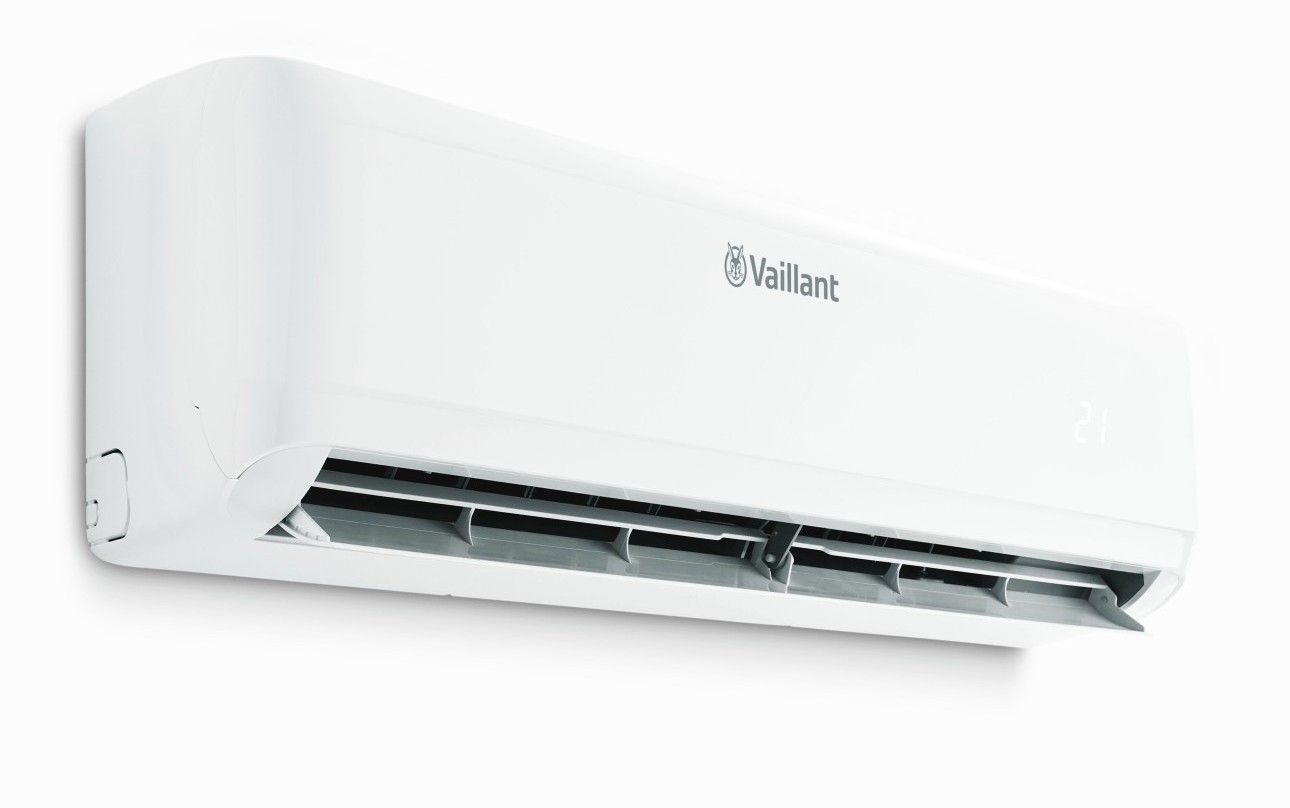
This DDF allows Vaillant aroVAR devices to be connected to the system. Up to 32 devices per Device Station/Line are supported.
Device Station Settings
Port:
Data interface on the controller.
Slaves:
Enter the slave addresses, separated by commas.
Example:
1,2,3,4
System Device
Create a device element and select the corresponding device under IO Configuration.
The UI displays the currently read values:
- Connection – Connection status
- Mode – Current operating mode
- Set – Current setpoint
- Fan – Fan status
- Room – Current room temperature
- Water – Current water temperature
Commands
Commands for changing Mode, Set Temperature and Fan Speed are supported.
These commands can also be used in Actions and Timers.
General Info
| Manufacturer | Type | Protocol | Model | Version | ID |
|---|---|---|---|---|---|
| Vaillant | Air conditioner | MODBUS RTU (DDF) | 1 | 1 | 0x0B00003100010100 |
Documents
DDF Items
| ID | Name | Unit | Type | Direction |
|---|---|---|---|---|
| 0 | Operating Mode | 0=Off, 1=Ventilation, 2=Cooling, 3=Heating, 4=Dry, 5=Auto | ||
| 1 | Desired Temperature | 17-30 C | ||
| 2 | Fan Speed | 2=Low, 3=Medium, 4=High, 5=Auto | ||
| 3 | Room Temperature | C | ||
| 4 | Water Temperature | C | ||
| 100 | Set Operating Mode | 0=Off, 1=Ventilation, 2=Cooling, 3=Heating, 4=Dry, 5=Auto | ||
| 101 | Set Desired Temperature | 17-30 C | ||
| 102 | Set Fan Speed | 2=Low, 3=Medium, 4=High, 5=Auto | ||
| 200 | Quality | 1=Ok |
Note
*2026-09-14 13:46:11 (do) ******************************
Last Commit: ff8d38b9 | 2026-09-14 13:45:57
*2026-09-15 12:57:49 (do) ******************************
Last Commit: 1635507c | 2026-09-15 12:56:49
*2026-09-16 09:06:08 (do) ******************************
Last Commit: e91da7d1 | 2026-09-16 09:05:33
Last Commit: ff8d38b9 | 2026-09-14 13:45:57
*2026-09-15 12:57:49 (do) ******************************
Last Commit: 1635507c | 2026-09-15 12:56:49
*2026-09-16 09:06:08 (do) ******************************
Last Commit: e91da7d1 | 2026-09-16 09:05:33