Mifare Reader
myGEKKO
Description
Download Signed DDF
min. OS version: V10384-01
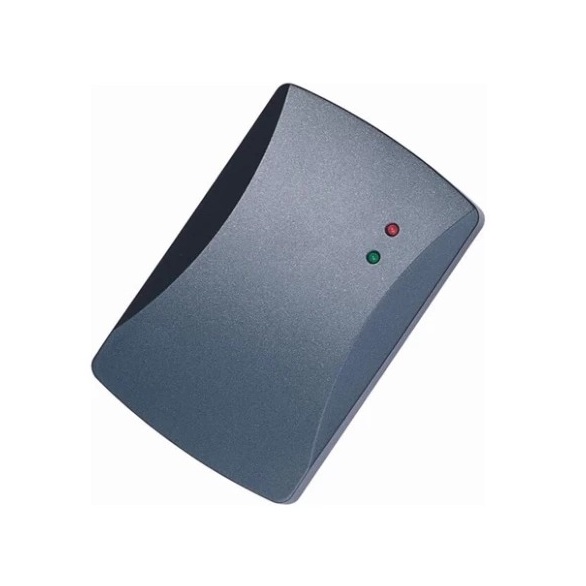
Plug-and-play integration of the device with the protocol described in the attachment. Create an ACCESS element, go to the detail view to see the I/O configuration under Inputs/Sensors, and select the DeviceLib type.
This device can then be used like any other reader: for example, create users, assign card UIDs, grant permissions, and so on.
General Info
| Manufacturer | Type | Protocol | Model | Version | ID |
|---|---|---|---|---|---|
| myGEKKO | Access | SERCOM (DDF) | 1 | 1 | 0x0900000100010100 |
Documents
No documents.
DDF Items
| ID | Name | Unit | Type | Direction |
|---|---|---|---|---|
| 0 | Card | |||
| 1 | Cardnumber | |||
| 2 | Person Identified | |||
| 3 | Access Authorized | |||
| 4 | Access Denied | |||
| 5 | Reader Enabled | |||
| 6 | Access Blocked | |||
| 7 | Access Open | |||
| 200 | Quality | |||
| 201 | Timestamp | |||
| 203 | Error count | |||
| 204 | Datalen | |||
| 205 | Info |
Note
*2026-03-09 07:59:14 (hw) ******************************
Last Commit: d8ed604d | 2026-02-26 09:32:52
Last Commit: d8ed604d | 2026-02-26 09:32:52